
Digital business card: what is it and how do you share it?
Paper cards go out of date and get lost. A digital business card is a mobile page that is always current. This guide covers what goes on it, how to share it and how to manage it across a company.
By The Brandesk team 6 min read

Contents
You meet a client at a trade show, they ask for your details, and your business cards are back at the office. A digital business card solves that: a web page you can share in one gesture and correct at any time. Here is what it is, what to put on it and how to share it.
What is a digital business card?
A digital business card is a personal web page designed for mobile that gathers a professional's details: name, job title, company, photo, phone, e-mail, website and social profiles. People open it from a link or by scanning a QR code, with nothing to install.
The key point is that it is not frozen. The card lives at a web address, and what people see is always the current version. That is the big difference with a piece of cardboard printed once and for all.
A good digital card also lets people save your contact to their phone in one tap, using a contact file (vCard) that works on iPhone and Android. Nobody has to retype anything.
Paper card or digital card: what changes?
Paper keeps some strengths: you hand it over in person, it needs no battery or network, and some formal settings still expect it. But its limits are well known:
- It goes out of date. A new phone number, job title or address, and the printed stock is wrong.
- It gets lost. Left in a drawer or a bag, it is not always found when it matters.
- It has little room. No space for all your links, a call button or a map.
- It must be retyped. The recipient copies the details into their address book by hand.
A digital card can be corrected in seconds, stays reachable from any old message that contains its link, and offers action buttons: call, write, open LinkedIn, show the address on a map. The two can also coexist: a QR code printed on the paper card points to the digital page.
Keep in mind: a digital card does not have to replace paper overnight. Above all, it removes the problem of outdated information.
What should you put on a digital business card?
Keep to the essentials, and think about what the person in front of you wants to do: reach you, find you, save you.
- Identity: first name, last name, job title, company and logo, with a recent photo. A face helps people remember you.
- Direct contact details: mobile or direct line, work e-mail, and WhatsApp if you use it with clients.
- Online presence: company website, LinkedIn profile, and one or two networks relevant to your job. No need to list them all.
- Address: useful for teams that receive visitors.
- An "Add to contacts" button: it turns a visit into a saved contact.
Avoid long texts and heavy attachments: the card should be readable in a few seconds on a small screen. If you also want to collect the other person's details, a contact-exchange button lets them share theirs, with their explicit consent.
Think about privacy too. A personal mobile number does not belong on a business card, and it is better if the page is not indexed by search engines by default.
How do you share a digital business card?
A card nobody receives is useless. There are several ways to share it, depending on the situation.
The QR code
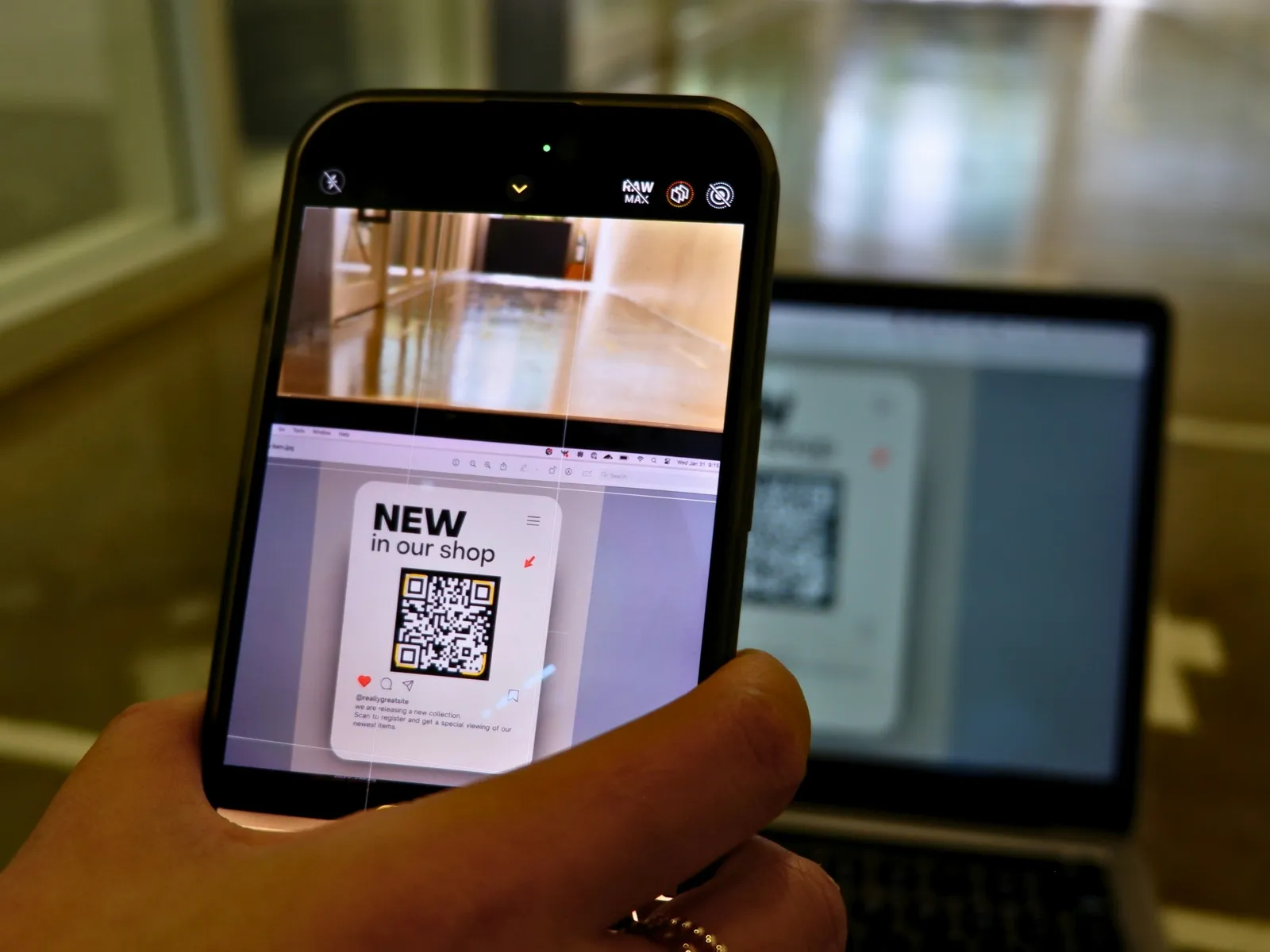
This is the most common move in meetings or at trade shows: you show the QR code on your phone, the other person scans it with their camera, and the card opens. You can also print it on a badge, a slide or a stand, or build it into a phone wallpaper so it is always at hand.
Use a stable QR code: if it points to an address that changes, codes that are already printed stop working.
The link
A link can be pasted into a message, a text, a chat app or a follow-up e-mail after a meeting. It is the simplest channel at a distance: "Here is my card, you will find my details there". On mobile, the phone's share sheet sends it in two taps.
The e-mail signature
Your e-mails are seen every day by clients and partners. Adding a link to your digital card in your signature gives them permanent access to your up-to-date details, even in a message that is months old. So that everyone has the same format, signatures are best managed centrally rather than one by one.
The phone wallet (Apple Wallet)
Some solutions let you add the card to the iPhone wallet as an Apple Wallet pass: the employee downloads it from their personal space. One caveat: the pass is static, so if the card changes, a new pass has to be downloaded. The link and the QR code, by contrast, always show the latest version.
The NFC card
A physical card with an NFC chip shares your digital page when it is held close to a phone. How it works is covered in a separate guide; for now, just know that it opens the same digital card as the QR code. For more, see the page on the NFC business card.
Managing cards for a whole company
For a freelancer, keeping a card up to date is easy. For a company of dozens or hundreds of people, it is another matter: who fixes job titles, who removes former employees, who makes sure the logo and colors are right?
The answer is to centralize. Details come from a single source, such as the company directory (Google Workspace, Microsoft 365 or a CSV import), and cards are built from it. A few principles help:
- One template, locked to the brand guidelines: employees do not choose fonts or colors, they only complete what you allow, such as the photo or mobile number.
- Updates at the source: a change of job title or number carries over to the card without everyone doing something.
- Clean departures: the card of someone who leaves should go offline, so it does not keep circulating with an old title.
- Durable links and QR codes: they survive changes to the page's address.
- Basic statistics: views, contacts saved and scans, to see what is actually used.
This stops every team from reinventing its own card, and lets communication and HR keep control of the company's image.
Where to start
A successful rollout comes down to a few simple steps:
- Define the minimum content of a card (identity, two contact methods, website, LinkedIn).
- Pick a template in your brand colors.
- Test the card on iPhone and Android, including the add-to-contacts button.
- Decide on sharing channels: QR code on event materials, link in the signature, NFC card for field teams.
- Explain to employees when and how to share it.
In short
A digital business card is a mobile page that is always up to date, shared by QR code, by link, from your e-mail signature or, for Apple Wallet, from the phone's wallet. It fixes the flaws of paper: outdated details, lost cards, limited space. For a company, the challenge is to manage it from a single source so every card stays on brand. Brandesk generates and updates these digital business cards for a whole team, from the company directory.