

How does an NFC business card work?
An NFC card opens a contact page when you hold a phone near it, yet few people know how. This guide explains the principle, what the person who scans it sees, and what the card changes for a company.
By The Brandesk team 5 min read
Contents
An NFC business card looks like any other card, but hold a phone near it and a contact page opens, with no app to install. How does a plain piece of plastic with no battery and no screen manage that? This guide explains the principle, what the person who scans it sees, and what it changes for a company.
How does an NFC business card work?
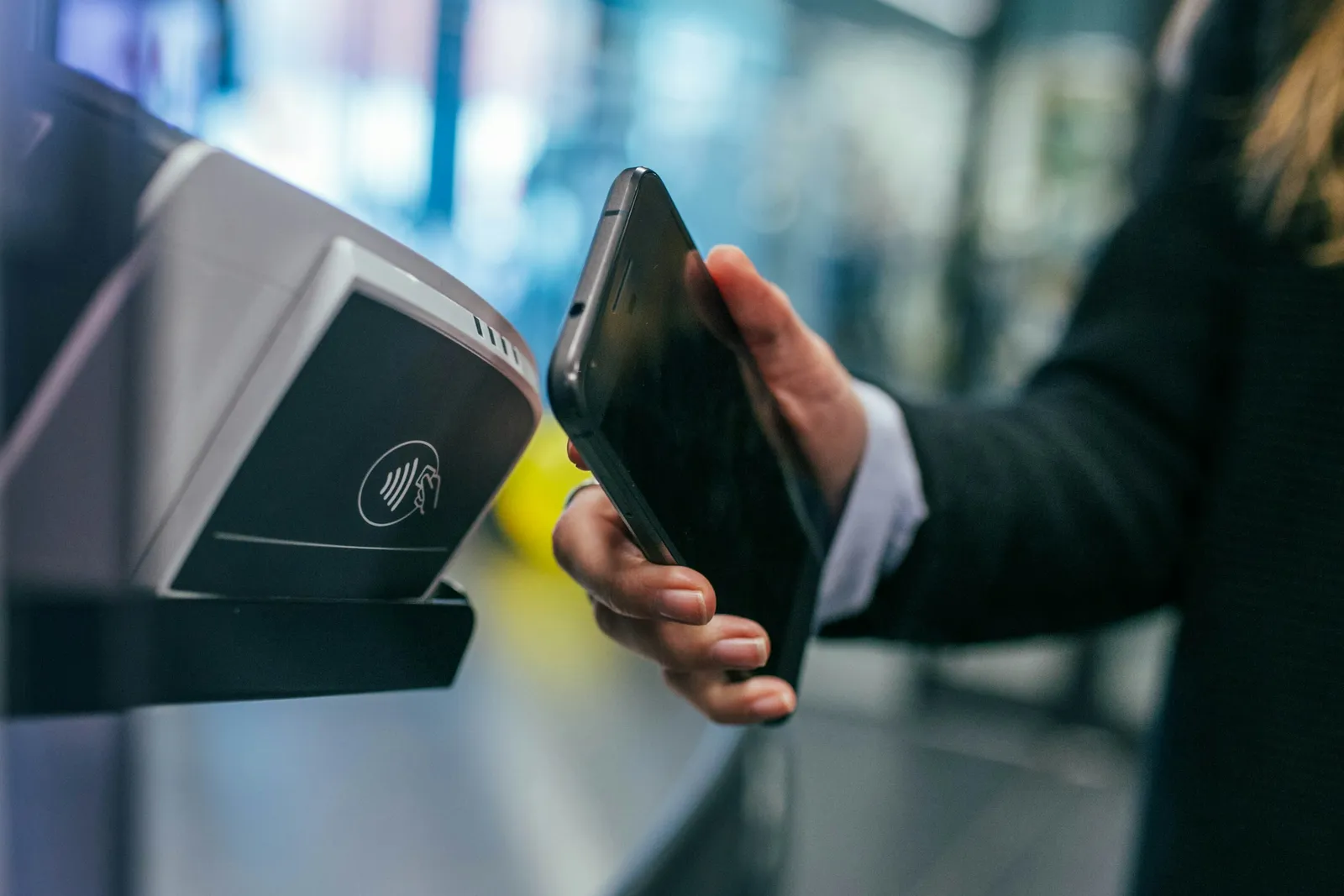
NFC stands for near-field communication: two devices exchange very small amounts of data when they are a few centimeters apart. It belongs to the same family of technology as contactless payment.
An NFC card holds a chip and a thin antenna, embedded in the plastic. Three things to remember:
- No battery. The chip is passive: it draws its power from the field emitted by the phone when you bring it close, and switches off as soon as you move away.
- Very little data. The chip does not hold your full contact details. It usually stores a simple web link.
- The phone does the reading. It detects the chip, reads the link and offers to open it in the browser.
In other words, the card is a signpost: it points to a page. The information lives on that page, not in the chip. The gesture feels as natural as handing over a paper card: bring it close, read, open.

Which phones can read it?
Most recent smartphones, on iOS and Android alike, include an NFC reader. In practice, behavior depends on the model, the system version and the settings. On some devices reading works with the screen on and unlocked; on others you first need to switch NFC on in the settings. The position of the antenna also varies, often toward the top or middle of the back of the phone.
A few precautions:
- some older or entry-level phones have no NFC reader;
- a thick case, a metal case or a rigid wallet can get in the way;
- if nothing happens, slowly moving the phone across the card often does the trick.
So you cannot assume that everyone you meet will read your card on the first try. Before a trade show or a handout campaign, test it with a few different phone models around you.
What if the phone does not react: the QR code
That is why a good NFC card includes a fallback. On the back, a QR code leads to the same page as the chip. It can be read with the camera of any recent smartphone, with no NFC and no special setting.
The QR code helps in three cases: the phone has no NFC, a case blocks the reading, or the person simply prefers to scan. Two details make it reliable: a large enough size when printed, and strong contrast with the background. Test it on a printed card, not only on screen.
What does the person who scans it see?
A web page opens in the phone's browser. No app to install, no account to create. Depending on how the company has set it up, it usually shows:
- the name, job title, company and a photo;
- buttons to call, send an email, open the website or the LinkedIn profile;
- an "Add to contacts" button, which saves the details in the phone's address book;
- sometimes a form to leave their own details in return.
That is exactly what a digital business card offers: the NFC card is just its physical front door. The person leaves with a saved contact rather than a piece of cardboard they may lose.
Why an NFC card makes sense for a company
In a company NFC business card, the chip holds nothing but a link: everything happens on the page, and the page can be edited at any time. That is the decisive advantage:
- A change of role or number. You update the page once; a card already handed to customers will show the new details, with no reprint.
- A lost card. If the link is managed by the company, it can be deactivated or redirected. Whoever finds the card gets access to nothing sensitive.
- An employee leaving. Their page can be taken offline or replaced with a generic company contact, and the physical card reassigned to someone else.
- Brand consistency. All cards share the same layout, in your brand colors, whatever the country or team.

The card keeps its place where people actually meet: trade shows, client meetings, events. It gives a tangible gesture, while the updating stays invisible, centralized and in the company's hands.
Watch out: a card whose chip holds a phone number or a fixed contact record directly gets none of this. Check that the chip points to a link you control, not to a page whose future and content you cannot manage.
How are NFC cards ordered?
The process generally goes like this:
- Define the design: front, back, brand colors, QR code on the back.
- Approve the proof, the preview before printing.
- Print the cards, then encode each chip with its own unique link.
- Assign them: named cards for each employee, or blank cards kept in stock and assigned later.
- Test one card from each batch before handing them out.
Ask your supplier how the links are encoded and whether the chip can be changed later. A permanent link that you redirect yourself beats one that would have to be rewritten card by card.
In short
An NFC business card is a passive chip, with no battery, that holds a link: the phone reads it when brought close and opens the contact page. The QR code on the back is the fallback when NFC does not respond, since not every phone and not every case behaves the same. For a company, the value lies in the page: central updates, and a card that can be deactivated after a loss or a departure. At Brandesk, the proof and the list of links to encode are generated from your brand, but ordering is not automated with the printer: our team validates it with you.